See the layout before opening your camera
A little strip you can keep
Open a sample at full size, check the colors, or download the PNG. These examples use original illustrations in our three-picture layout. The people are fictional; the samples are not photographs or recordings of a live session.
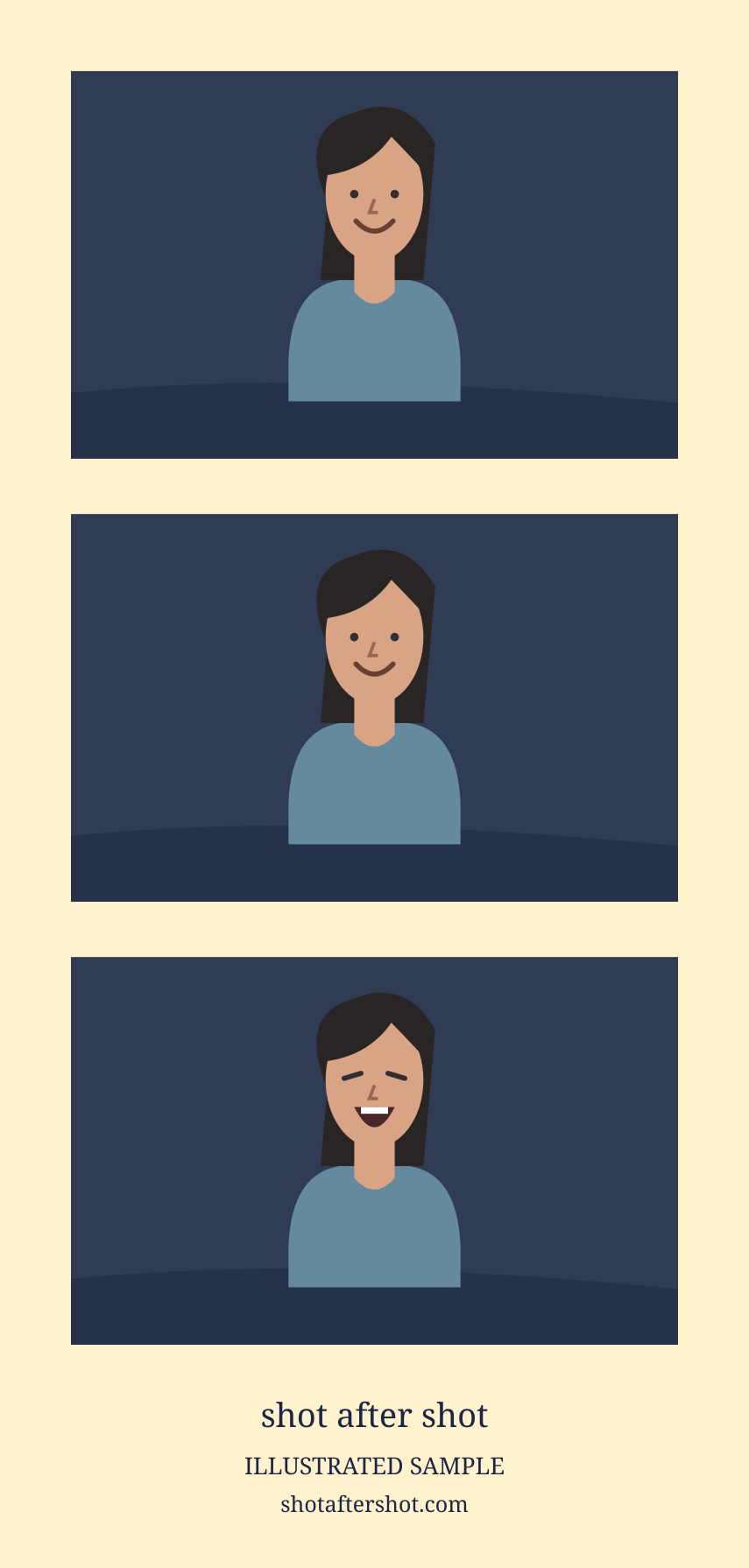
Illustrated sample · 3-Pose Vertical Strip
Solo in cream
One person, three expressions, and a warm cream border. Keep the camera still while changing your expression.
PNG · 855 × 1791 pixels · border #FFF2CC
Download sample PNG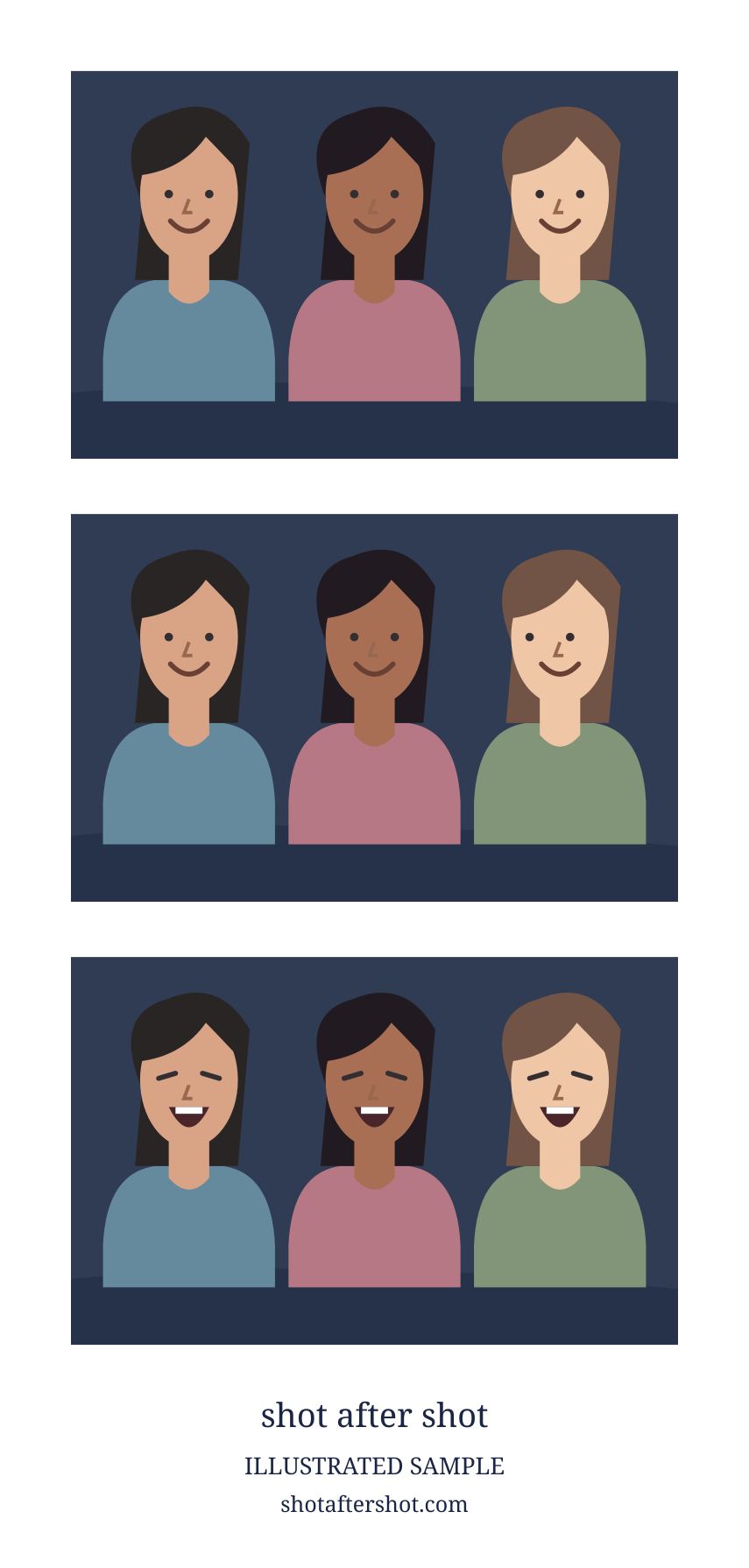
Illustrated sample · 3-Pose Vertical Strip
Friends in white
Three friends beside one camera. Leave room around each face and keep hands inside the photo boundary.
PNG · 855 × 1791 pixels · border #FFFFFF
Download sample PNGMake the next one with your own photos
Beside one camera
Choose Solo, even when friends are sitting beside you. Pick a layout, check the crop, and leave room for each person to change their expression.
Joining from different devices
Choose Group. The host creates a party and shares the full invitation link. A room supports up to 4 people, including the host. Available layouts depend on the group size.
Check the file you save
One finished frame downloads as a PNG. Several frames download as separate PNG files, each with its own link, or through the save/share menu on a phone. Open the saved image and keep its proportions when resizing or printing; other layouts can have different dimensions from these samples.
Shared photos are scheduled for deletion after seven days. Download the pictures you want to keep, and check that each person has their own copy.
Arrange a strip for printing or plan a long-distance session.
Create or join a group roomPublished by Shot after Shot. Report a mismatch between these examples and the app.